













Create a Custom Word Search Puzzle with Full Control
This Word Search Generator is designed for creating one puzzle at a time using your own words. You control what goes into the grid, how the puzzle is structured, and how it looks before export. This makes it a reliable tool for worksheets, classroom activities, printable resources, and one-page puzzle designs where precision matters.
Unlike bulk or AI-based generators, this mode focuses on manual input and full customization. It is best used when you need exact word lists, specific layouts, and predictable results. For large-scale puzzle creation or automated word generation, you can explore the other generator modes below.
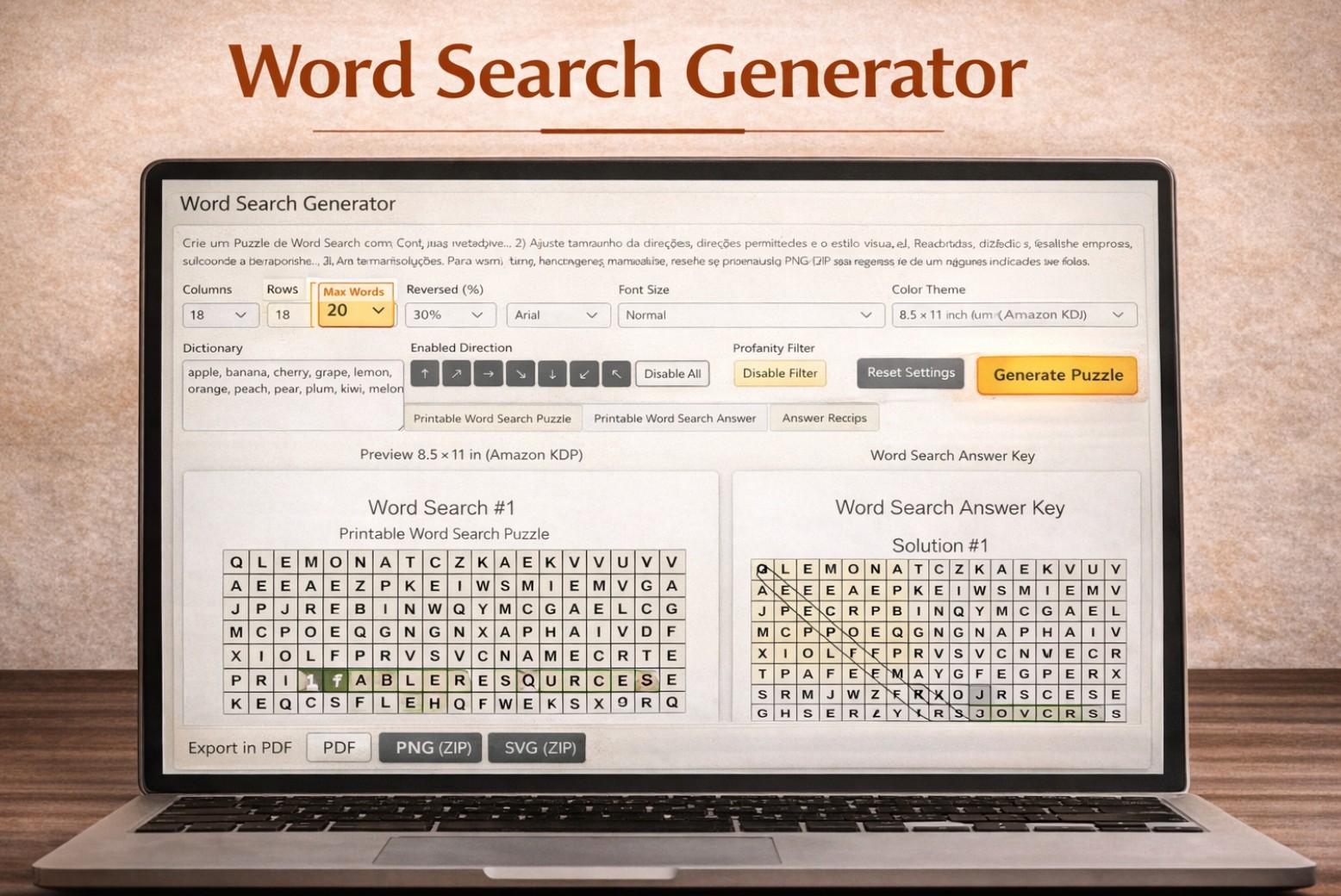
Single Generator
Create one custom puzzle from your own word list. Best for worksheets, printables, and one-page activities.
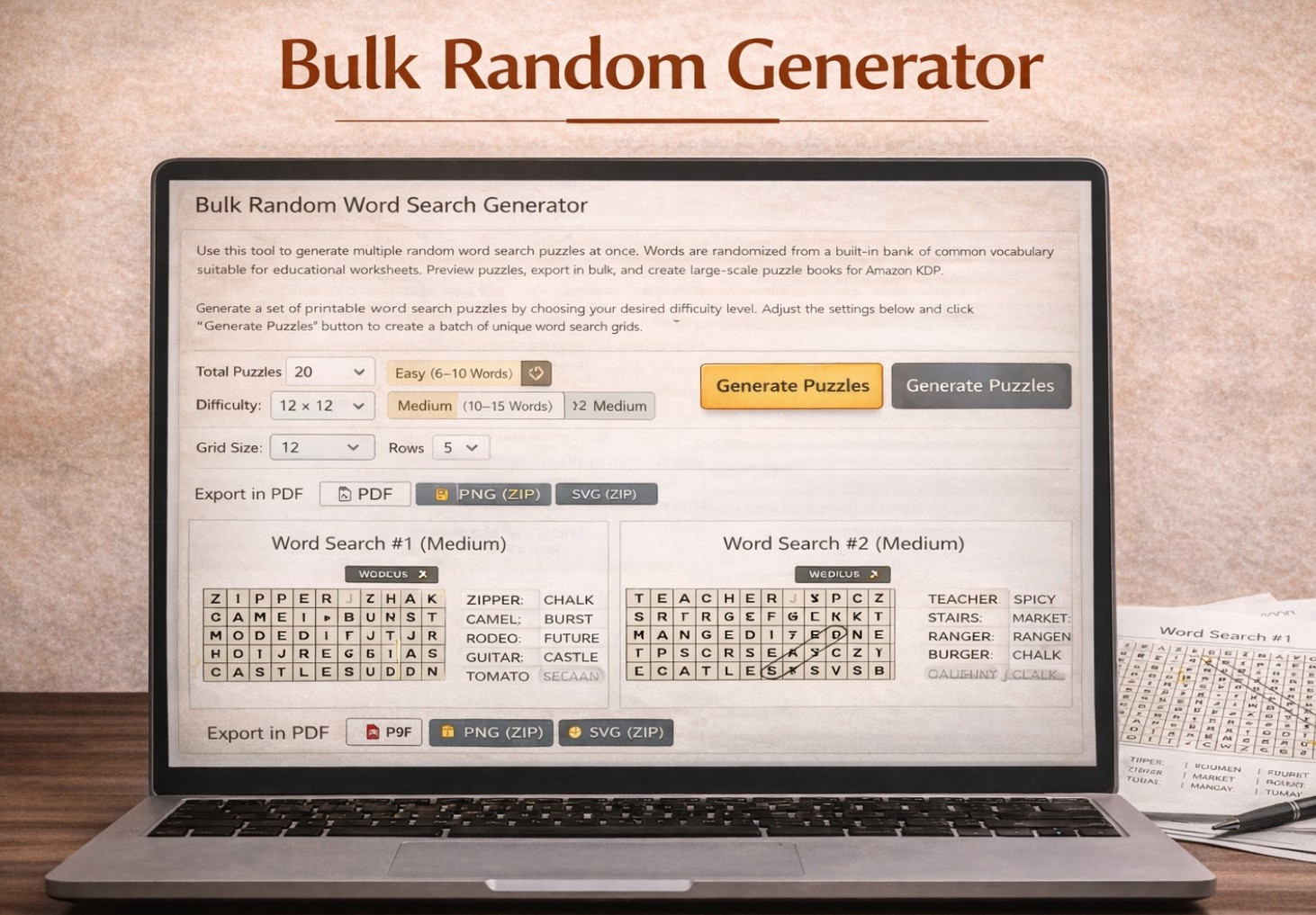
Bulk Random
Generate multiple word search puzzles at once using random dictionary words.
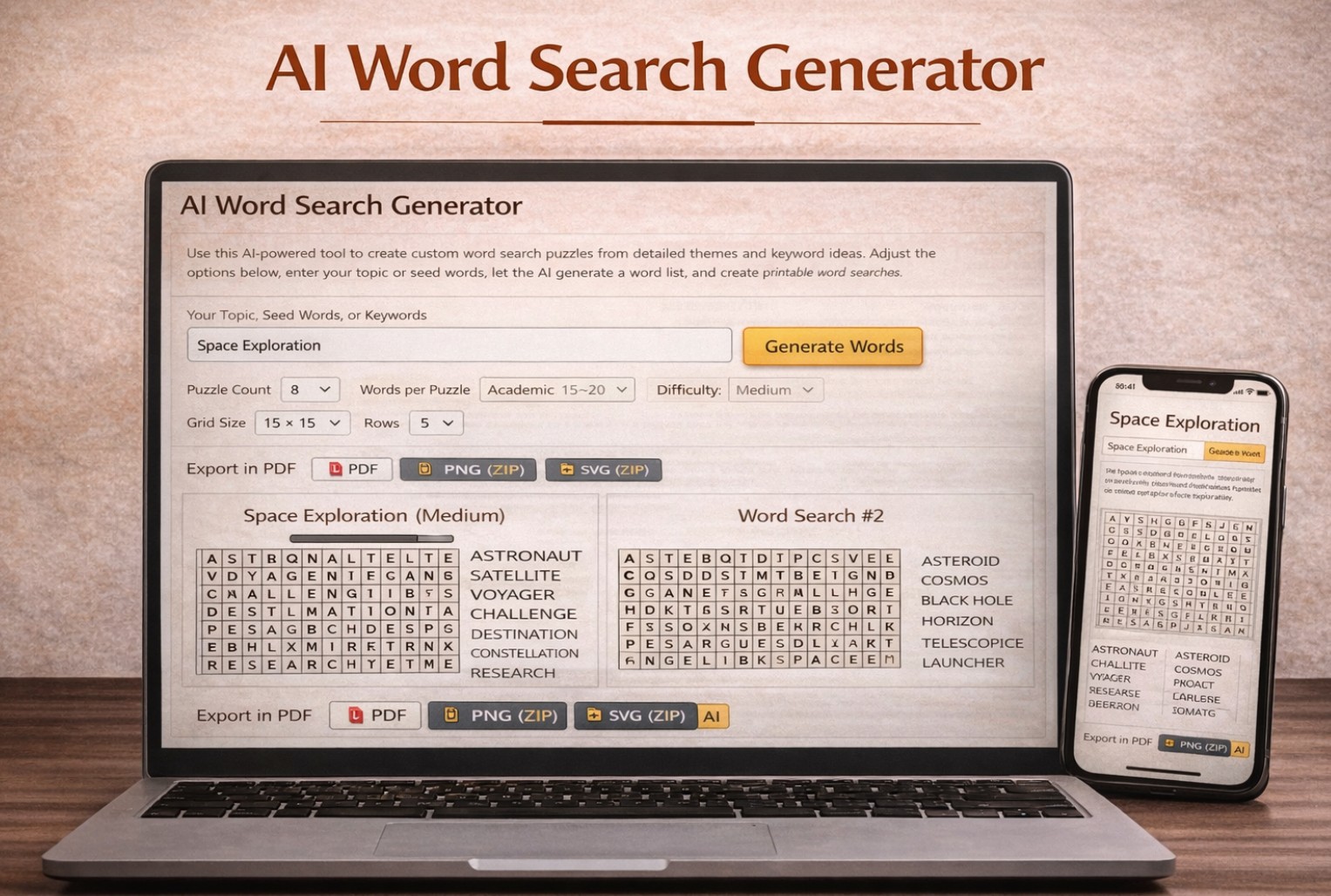
AI Generator
Use AI-assisted generation for themed word sets and faster content workflows.
If you need adjacent workflows, you can move from the single generator to the Multi Word Search Generator for batch creation, the Word Search for Teachers page for classroom use cases, or the Word Search Book Generator if you are building a printable collection. For download-focused workflows, the PDF, PNG, and SVG export page is the best follow-up.
What This Word Search Generator Is Best Used For
This single Word Search Generator is built for situations where you need full control over the exact words and structure of your puzzle. Instead of relying on random word lists or automated themes, you define the content yourself and generate a clean, balanced grid around it.
It works especially well for vocabulary practice, spelling exercises, lesson keywords, seasonal activities, and any custom educational content where accuracy matters. Because you control the word list, you can align each puzzle with a specific topic, grade level, or learning objective.
This mode is ideal for creating worksheets, homework pages, and one-page printables. If your goal is to generate many puzzles at once or build a full puzzle book quickly, the bulk Random or AI generators are a better fit. Here, the focus is on precision, not volume.
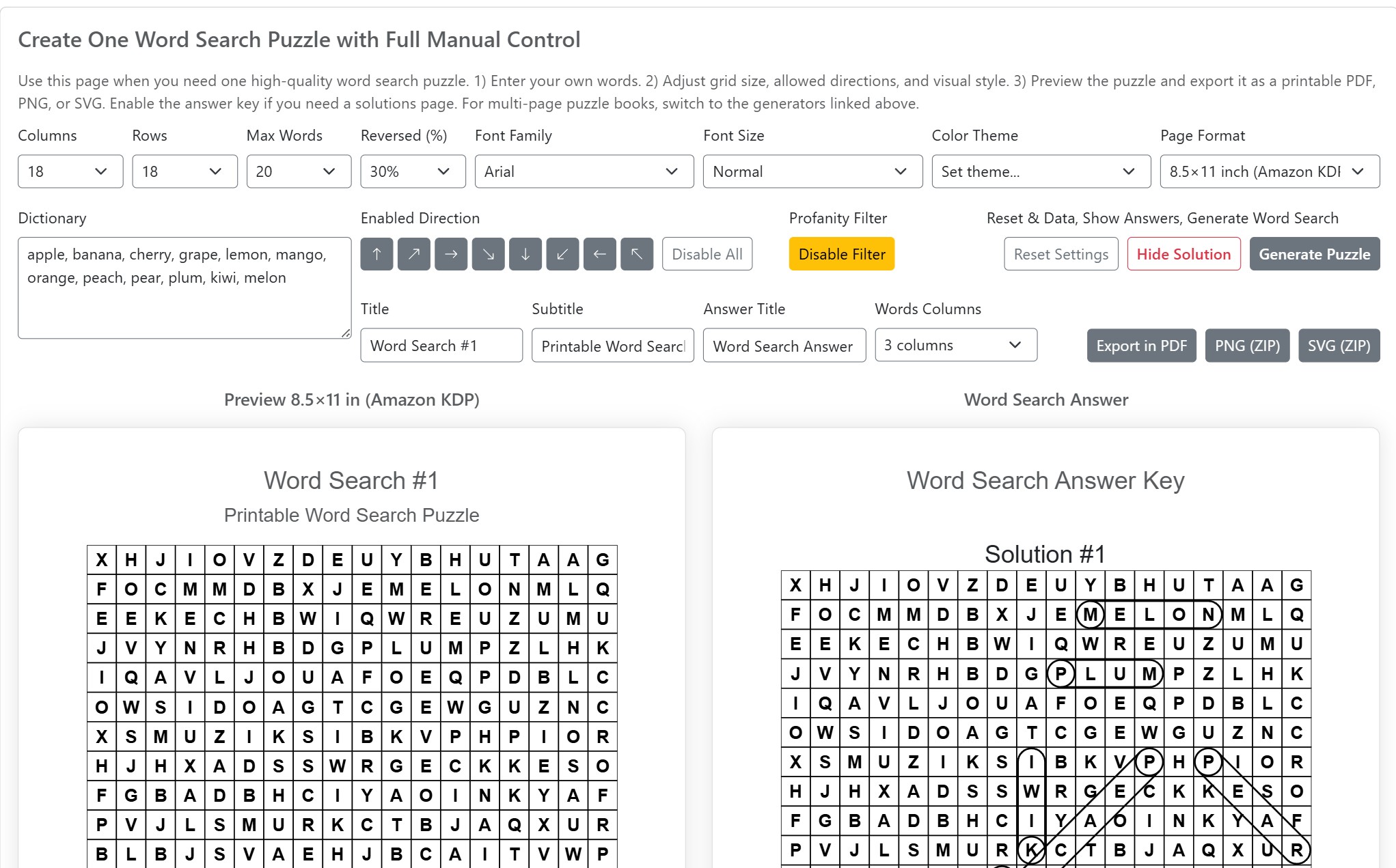
Full Control Interface
Adjust grid size, word placement, directions, style, and export options in one place
How the Word Search Generator Works
The workflow is simple: enter your words, adjust the puzzle settings, preview the result, and export the final file when everything looks right. This makes the generator fast enough for quick worksheets, but flexible enough for more polished printable and publishing projects.
1. Enter Your Own Word List
Start by adding the exact words you want to include in the puzzle. This is one of the main advantages of the single generator: you are not limited to random vocabulary or prebuilt themes. You can create a puzzle around lesson terms, spelling words, seasonal topics, names, hobbies, or any custom subject you need.
2. Adjust Grid Size and Puzzle Difficulty
Choose the number of rows and columns, set how many words should be placed, and control how challenging the puzzle should feel. Smaller grids are often better for younger learners, while larger grids with denser placement work better for advanced puzzles and printable books.
3. Choose Allowed Directions
You can control which directions are used for word placement, including horizontal, vertical, and diagonal options. Limiting directions usually makes a puzzle easier, while allowing more directions creates a more challenging search experience.
4. Customize the Layout and Style
Adjust the visual presentation to match your project. Depending on your settings, you can control the font, text size, page format, and other layout details so the puzzle looks clean on screen and clear when printed.
5. Preview Before Export
The preview lets you check readability, spacing, and overall page balance before downloading the puzzle. This helps you catch layout issues early and produce a cleaner final result for students, customers, or print use.
6. Export the Puzzle and Optional Answer Key
When everything looks right, export the puzzle in the format that fits your workflow. You can create a printable PDF, a PNG for digital use, or an SVG for scalable editing. If needed, you can also include an answer key for checking, teaching, or publishing purposes.
Word Search Generator Settings Explained
One of the biggest strengths of this Word Search Generator is the level of control it gives you. Instead of working with a fixed layout, you can adjust the main puzzle settings to match your audience, topic, and output format. That makes it easier to create anything from a simple classroom worksheet to a more polished printable page.
Grid Size
The number of rows and columns determines how large the puzzle grid will be. Smaller grids are usually better for children, beginners, and short word lists. Larger grids create more space for longer words, more hidden terms, and a more advanced solving experience.
Maximum Number of Words
This setting controls how many words the generator tries to place into the puzzle. Lower values create cleaner, more open layouts, while higher values increase density and make the puzzle feel fuller and more challenging.
Allowed Directions
You can choose which directions are allowed for word placement. Horizontal and vertical directions are usually easier for younger solvers, while diagonal options make the puzzle more complex. Enabling more directions creates a harder and more varied search pattern.
Reversed Words
The reversed words setting controls how often words can appear backward in the grid. A lower value is better for beginner-friendly worksheets, while a higher value increases difficulty and works well for older students or more advanced printable puzzles.
Word List Input
In this mode, you enter the words yourself. That gives you full control over the puzzle topic and makes the generator especially useful for vocabulary practice, spelling lists, custom lesson themes, names, events, and niche printable content.
Font and Text Appearance
Font settings help control readability. Larger text can make the puzzle easier to use for children, seniors, or classroom printouts, while smaller text may work better when you need a more compact layout or want to fit more content onto a page.
Page Format
The page format affects how the puzzle fits on the final export. Standard formats such as A4 or 8.5×11 are useful for printable worksheets, homework pages, and KDP-friendly layouts. Choosing the right page size early helps you avoid awkward scaling later.
Titles and Page Labels
You can usually define a puzzle title, subtitle, and answer-page title to make the finished page more informative and better organized. This is especially helpful when creating educational resources, themed printables, or puzzle pages that will be shared with others.
Answer Key Options
If you need solutions, the generator can include an answer key page. This is useful for teachers, tutors, parents, and printable creators who want an easy way to check results or provide answers at the end of a worksheet or puzzle pack.
Typical Word Search Puzzle Settings
The right settings depend on who the puzzle is for and how it will be used. Below are some common combinations that work well for worksheets, classroom activities, and printable puzzle pages.
| Use Case | Grid Size | Words | Directions | Difficulty |
|---|---|---|---|---|
| Kids / Beginner Worksheets | 10×10 | 6–10 | Horizontal / Vertical | Easy |
| Classroom Activities | 12×12 | 10–15 | + Diagonal | Medium |
| Printable Packs | 15×15 | 15–20 | All Directions | Advanced |
| Puzzle Books (KDP) | 18×18+ | 20+ | All + Reversed | Hard |
Why Use a Manual Word Search Generator
A manual Word Search Generator gives you full control over the content and structure of each puzzle. Instead of relying on automatically generated word lists, you decide exactly which words are included and how they are presented. This makes the result more accurate, more relevant, and easier to align with a specific topic or learning goal.
This approach is especially useful when precision matters. Teachers can match puzzles to lesson plans, parents can build targeted practice activities, and creators can produce consistent, high-quality printable content. While bulk and AI generators are better for speed and volume, the single generator is the best choice when you need predictable and controlled results.
Who This Word Search Generator Is Best For
- Teachers creating worksheets and classroom review activities
- Tutors building spelling and vocabulary practice materials
- Parents and homeschoolers making printable learning pages
- Printable sellers (Etsy, TPT, Gumroad) creating downloadable resources
- KDP authors preparing word search puzzle books and interiors
- Puzzle creators building themed activity packs and collections
Export Word Search Puzzles as PDF, PNG, or SVG
After creating your puzzle, you can export it in several formats depending on how you plan to use it. PDF is ideal for printable worksheets and puzzle book interiors. PNG works well for previews, online sharing, and digital downloads. SVG is useful if you need scalable vector output for editing or advanced publishing workflows.
- PDF for printing, worksheets, and KDP-ready puzzle pages
- PNG for previews, blogs, and simple downloadable files
- SVG for scalable designs and custom layout editing
Single vs Bulk Random vs AI Word Search Generators
Different generator modes are designed for different workflows. The single generator focuses on control and precision, while bulk and AI modes are built for speed and large-scale content creation.
| Mode | Best For | Word Source | Output Style |
|---|---|---|---|
| Single Generator | Precise, custom puzzles | Manual input | One puzzle at a time |
| Bulk Random | Fast content creation | Dictionary-based | Multiple puzzles |
| AI Generator | Themed puzzle sets | AI-generated words | Multi-page themed output |
A Flexible Word Search Generator for Real Projects
This page is designed as a starting point for creating custom word search puzzles with full control. You can build a single worksheet, prepare a printable activity, or design puzzle pages for a larger project. The generator gives you a clear workflow from word list to finished output without relying on random or prebuilt content.
If you need speed and volume, you can move to bulk or AI-based tools. If you need precision, clean layouts, and predictable results, the single Word Search Generator is the right place to start.